Well Worn Memories™
Photo Organizing
This guide will take you through the process of photo organization.
1. Gather Your Memories
Designate a space to put everything.
A large, flat area will work best.
Know what to look for.
- Photo albums, binders, yearbooks
- Professional photo packages (e.g. school, sports, headshots, events)
- Scrapbooks
- Framed photos
- Oversized photos
- Photo lab envelopes
- Slides
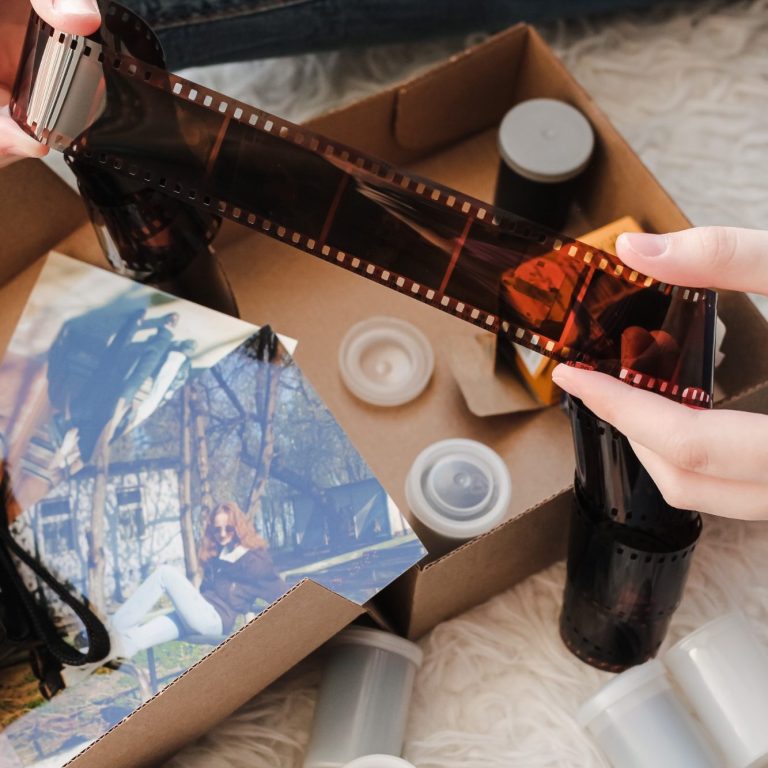
- Negatives
- Undeveloped film
- Memorabilia
- Analog Media (cassettes, VHS, etc.)
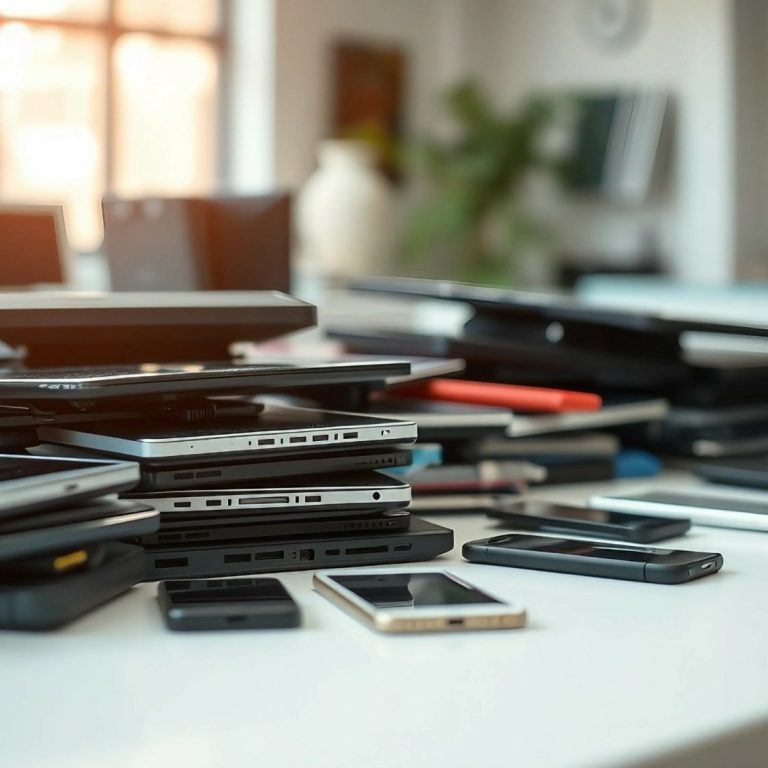
- Computers (desktop/laptop)
- Phones
- Other Devices (tablets, etc.)
- Cameras
- Memory Cards
- Thumb Drives
- External Drives
- CDs and DVDs
- Other
Search the house.
Go room by room looking in:
- Closets and Cabinets
- Desks and Dressers
- Shelves
- Bins and Boxes
- Files
- Spaces Under and Behind Furniture
Don't forget the:
- Attic
- Garage
- Basement
- Storage Units
Take a picture of the chaos.
It will give you a sense of accomplishment later.
Group like items together.
Divide them into categories such as photo albums, loose photos, oversize photos, hard drives, old devices, and so on.
2. Sort Your Memories
Create a Timeline for Reference
Choose an appropriate starting point and list each year since then.
Next to the years, write down significant events:
- births
- weddings
- deaths
- vacations
- graduations
- extracurricular activities
- other
This will be a great help in the next step.
Put Photos in Chronological Order
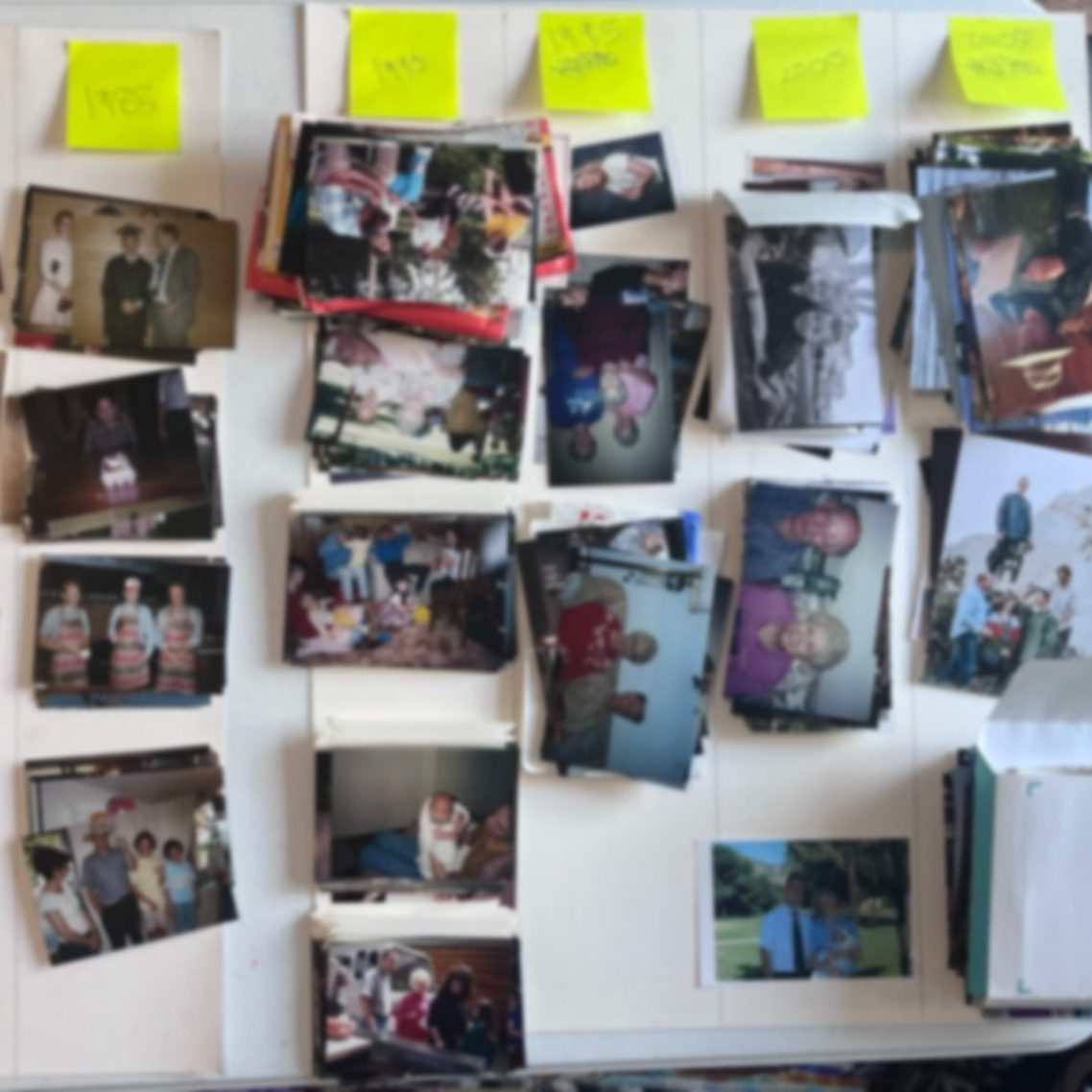
Sort your images chronologically. You can start by dividing them into decades. Take each decade and separate them into individual years and then months if possible. Use the timeline for guidance. If Jill looks 8-10 years old and was born in 2005 (see the timeline), the photo is from 2014 give or take. It doesn't have to be perfect. The more photos you sort, the more clues you'll find.
Remove Duplicates and Similar
If you ever got doubles from the photo lab, you might be finding duplicates, even in completely different places. There's no need to keep both. Save the one in the best condition. Check the back of the other for any information. Put the duplicates aside in a clearly labeled container (keep them in order just in case you have to search for one later).
As you find multiple pictures of the same thing (often posed group photos), choose the best of the bunch to keep. Look for things like:
- Most eyes open
- Best facial expressions
- Sharpest focus
- Most faces visible
- Most people in the shot
- Closest zoom
- Best background (if important)
Keep the best and put the others in a second clearly labeled place for now (preserve the order in case you need to go back and find one).
Rank Images
You still have a million photos. What now? Time to rank them. You can use your favorite ranking system. The point is to separate out the best, the in-between, and the worst that will be disposed. One method is to use the ABCs.
A=Album-worthy. These are best pictures.
B=B-roll. These are secondary but may still be worth keeping.
C=Chuck. These are headed for the trash can—bad, blurry, etc.*
S=Stories. Does it add to the story? Write down what makes it special if isn't obvious.*
*Even not-so-great pictures can be important to the story. For example, keep that bad picture of the because it reminds you of the time .
3. Save Your Memories
Digitize Prints
Scan or convert everything that isn't already in a digital format.
Create a Folder Structure
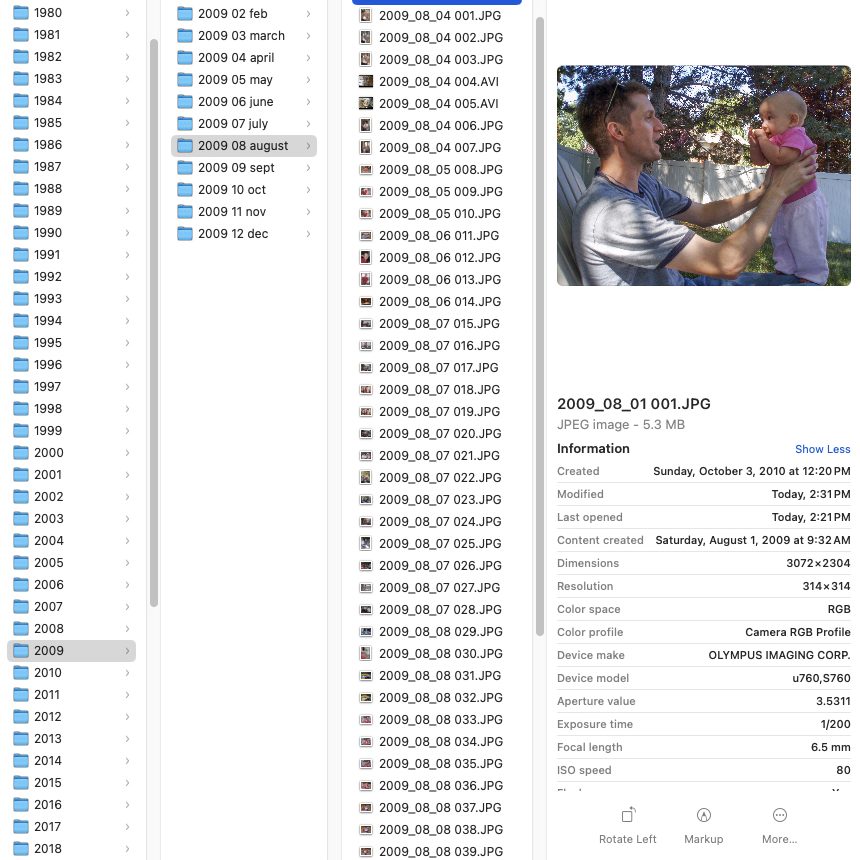
Start with a designated folder and location to house your master photo collection. Add subfolders to further organize. You might group them by families. Within families could be folders for each year. Those might be further divided into months. Don't start putting your photos into the folders just yet.
Rename Files
Most often, the best way is by date (YYYYMMDD). This preserves the order. Keywords can be added after the date, and a sequence number at the end keeps it unique.
Add Metadata
This information can be embedded in the image file to provide details and make it searchable.
- People
- Location (already there if taken on a digital device with that option enabled)
- Date taken (already there if taken on a digital device with date set correctly)
- Keywords or tags
- Caption or description
Create Digital Backups: 3-2-1
3: Have three copies of your electronic files.
2: Use two types of storage (e.g. external hard drive, cloud).
1: Keep one of the copies off-site.
Archive Analog Materials
Use archival-quality storage for physical media you keep.
4. Share Your Memories
Invite Others to View Online
Create Photo Books
Make a Slideshow
contact@wellwornmemories.com
801-457-4574
Layton, Utah